Plugins
Plugins.
Bundled with the editor.
Author's Voice rewrites in your voice. Image Generator makes covers and inline images. X API posts threads and Articles. GitHub publishes to your blog.
Author's Voice
Rewrites that sound like you.
Feed it your own pages and it learns what you avoid, how you punctuate and how long your sentences run. Then select any passage and right-click.
- Enhance
- Modify…
- Shrink
- Expand
- Insert
- Fill paragraph
- Fill sentence
Three model tiers: Strongest, Fast+ and Fast. Fast is free. The others draw from a prepaid wallet you top up inside the editor.
Author's Voice docs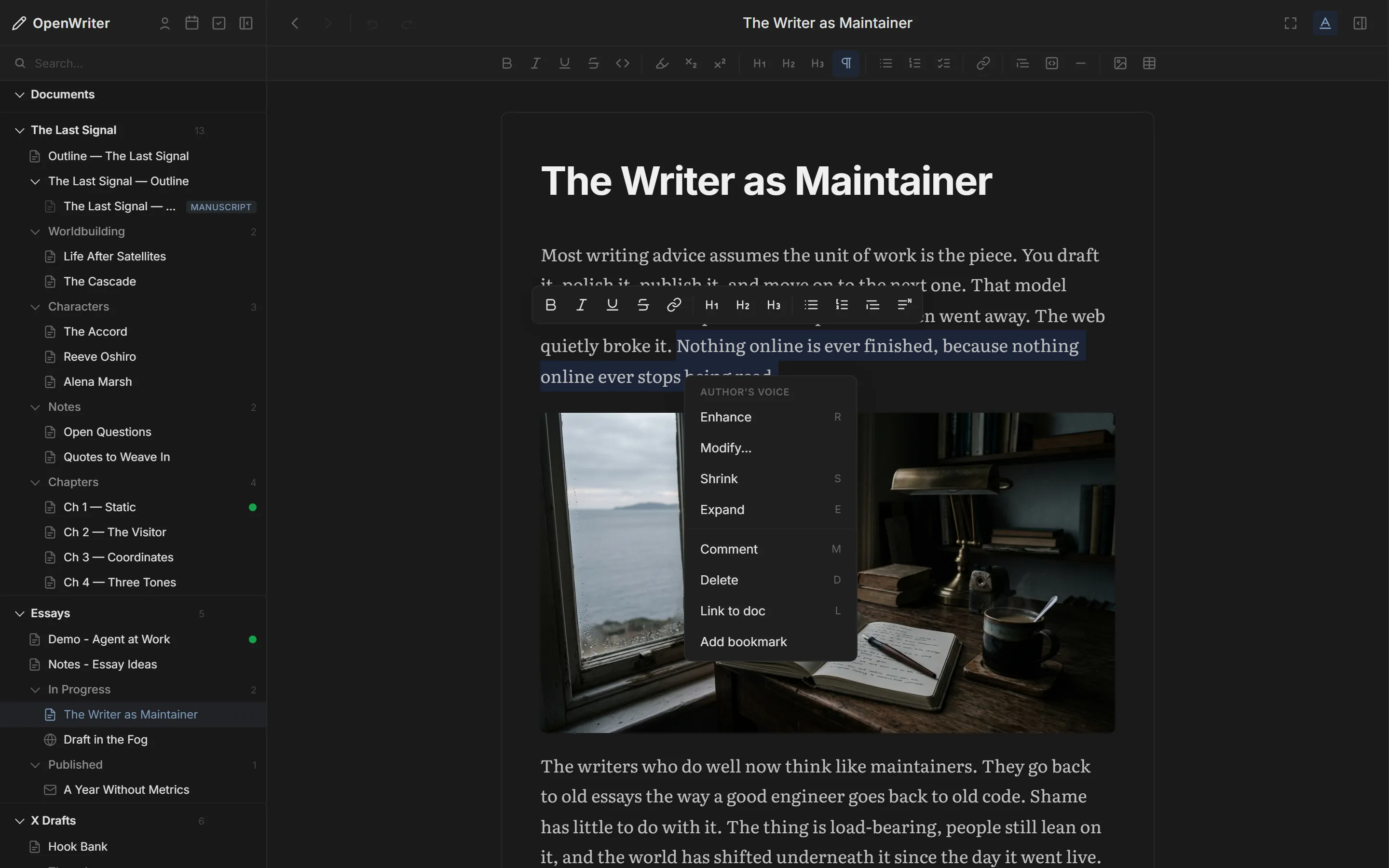
Image Generator
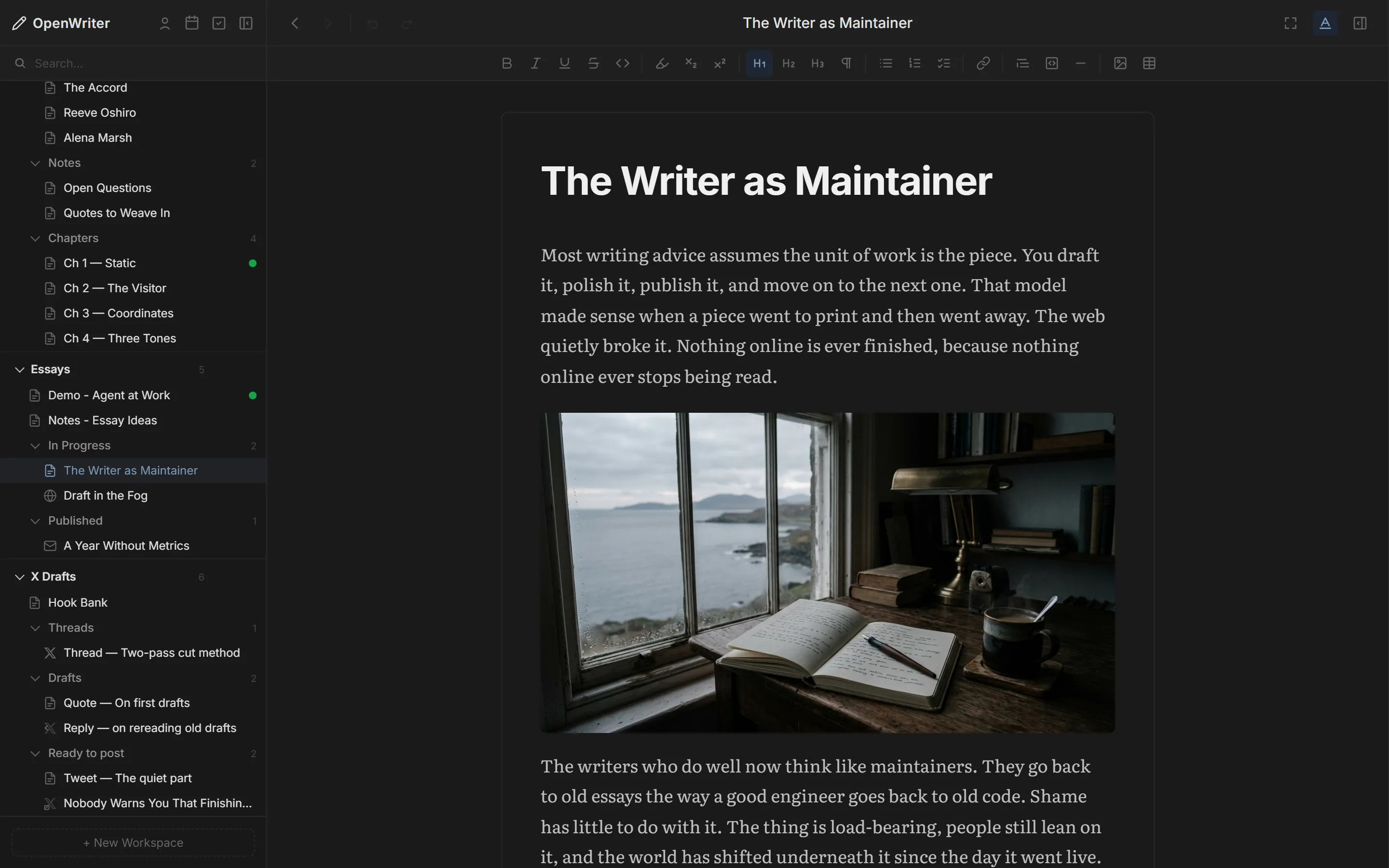
Images made from the piece.
Right-click and choose Generate image, or let your agent place one inline or as an Article cover. Runs on Google's Nano Banana 2.
- Unlimited with your own Gemini key
- Saved as files next to your docs
- Inline, cover, or file only
X API
Post threads and Articles natively.
Threads, quote tweets and full X Articles with cover images go out from the compose view. Your agent can post a tweet directly or schedule a finished thread.
X API docs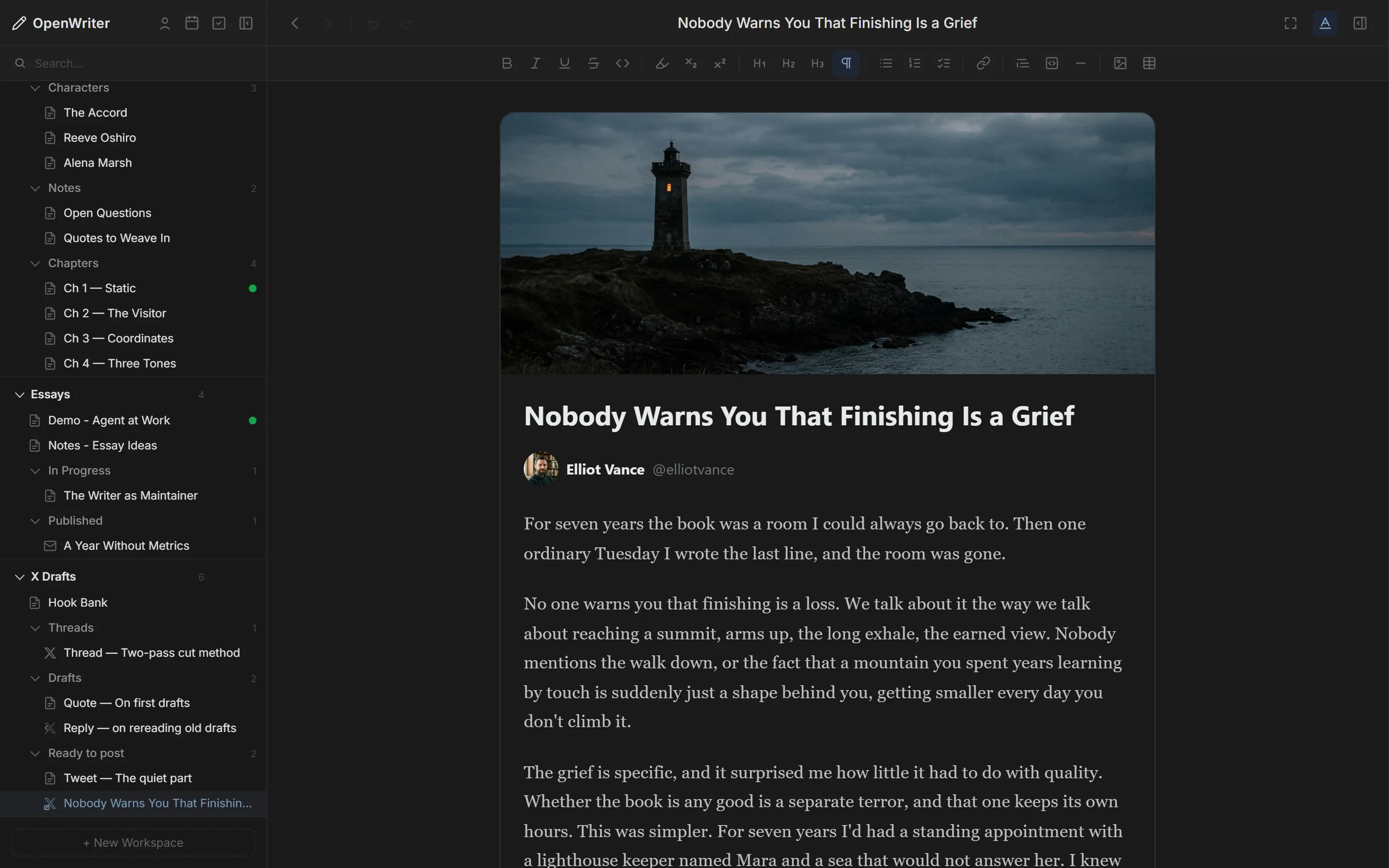
GitHub
Publish to the repo behind your site.
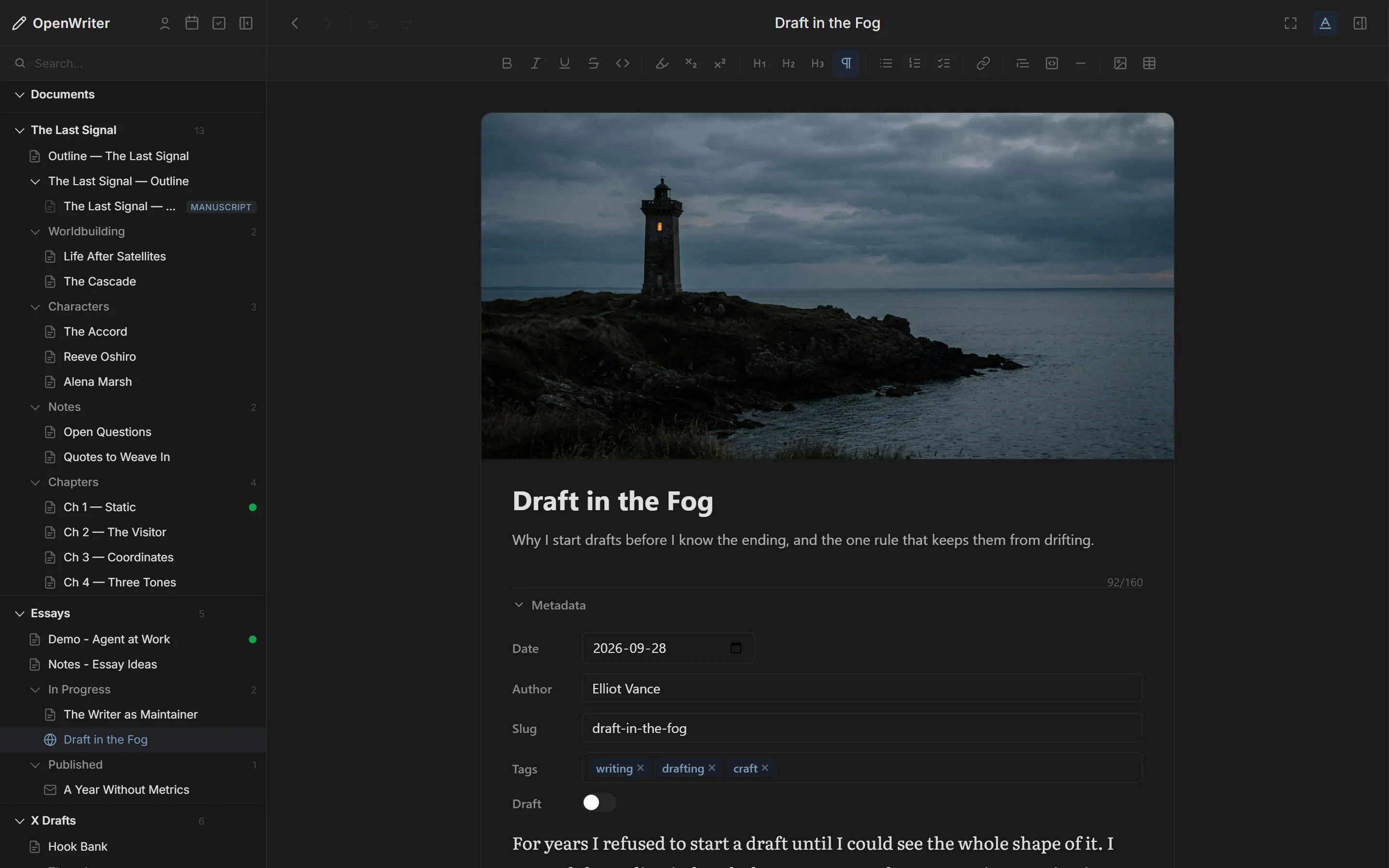
It reads your repo's framework, content folder, frontmatter and image paths, then commits each post as Markdown. Six tools cover inspecting a repo, managing sites and publishing.
- Astro, Next, Jekyll, Hugo
- Many sites, one editor
- Your gh login, no token
- Runs locally with git
Build your own
Four places a plugin can plug in.
Plugins are npm packages with settings described in JSON Schema. Community plugins use the openwriter-plugin-* name.
- MCP toolsNew tools any connected agent can call.
- HTTP routesEndpoints on the local server with access to your docs.
- Text menuRight-click actions on a selection or an empty line.
- Sidebar menuRight-click actions on documents and folders.
One command installs every plugin.
Plugins ship with the editor. Install OpenWriter and your agent can reach all of them.